English
 Portuguese
 Russian

Understanding the Basics – What Are Panel PCs and HMIs?
The World of Industrial Displays: Where Panel PCs and HMIs Meet
Imagine standing in a bustling factory, overseeing a complex assembly line. Your primary goal? Ensure everything runs smoothly—from monitoring machine statuses to troubleshooting issues in real time. Now, how do you present this information to operators, engineers, and maintenance teams? The answer lies in the right industrial display technology.
Two dominant players in this space are Panel PCs and Human-Machine Interfaces (HMIs). While both serve as the "brain" of industrial automation, they differ significantly in design, functionality, and ideal applications. Understanding these distinctions is key to selecting the best solution for your operations.
What Is a Panel PC?
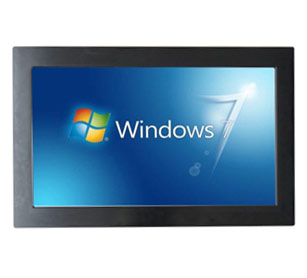
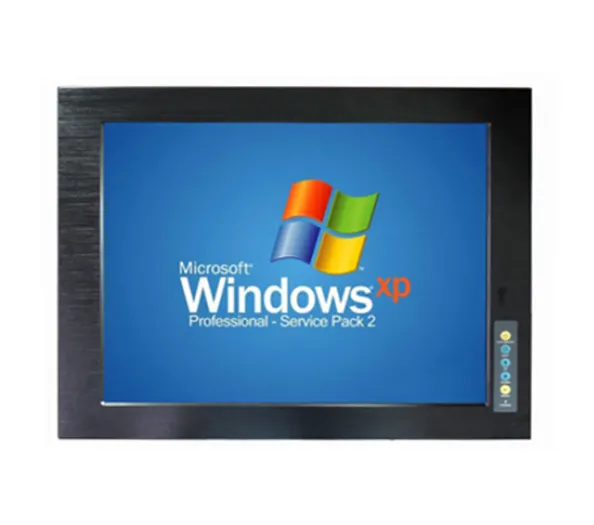
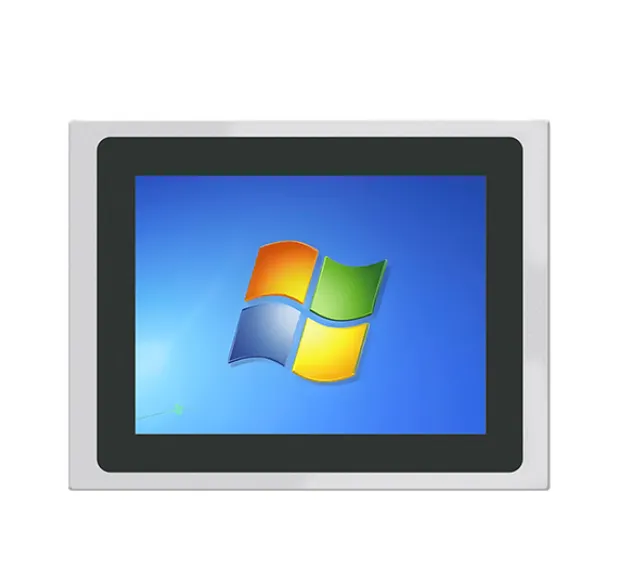
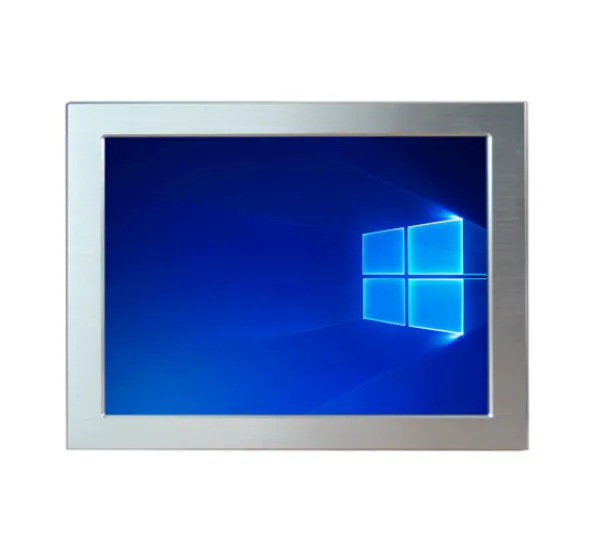
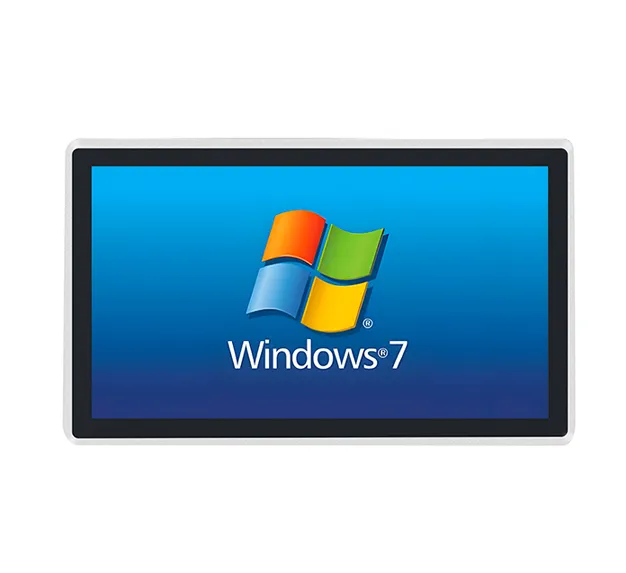
A Panel PC is a rugged, embedded computer designed specifically for industrial environments. It combines a full-fledged PC with a touchscreen display, often mounted in a metal enclosure to withstand harsh conditions. Unlike traditional desktop PCs, Panel PCs are built to operate in extreme temperatures, dust, moisture, and vibration, making them ideal for factory floors, mining sites, and offshore installations.
Key Features of Panel PCs:
Full PC capabilities – Runs Windows, Linux, or real-time operating systems (RTOS). Touchscreen interface – Supports multi-touch, gesture control, and even voice commands. Rugged design – IP65/IP67/IP68-rated enclosures, shock resistance, and wide temperature ranges (-40°C to +85°C). Expansion options – Ethernet, USB, serial ports, and even industrial-grade GPUs for heavy data processing. Customization – Can be tailored for specific applications, from CNC machines to automated warehouses.
Common Use Cases for Panel PCs: ✔ CNC Machining Centers – Operators monitor tooling, feed rates, and real-time diagnostics. ✔ Automated Warehouses – Pick-and-place systems track inventory and guide robots. ✔ Process Control Systems – Chemical plants and refineries use Panel PCs for SCADA (Supervisory Control and Data Acquisition). ✔ Medical & Laboratory Equipment – High-precision applications where reliability is critical.
What Is an HMI?
An HMI (Human-Machine Interface) is a specialized display designed to communicate with machines and operators in a simplified, user-friendly format. Unlike a Panel PC, which functions as a full-fledged computer, an HMI is optimized for industrial control tasks—think dashboard displays, control panels, and operator interfaces.
Key Features of HMIs:
Simplified UI – Uses graphical operator interfaces (GOIs) with icons, gauges, and status lights. Real-time data visualization – Displays PLC (Programmable Logic Controller) data in a way operators can quickly understand. Hardware limitations – Typically lacks full PC functionality; runs on embedded systems (e.g., PLC-based HMIs). Modular & scalable – Can be integrated with PLCs, SCADA systems, or industrial PCs. Industrial-grade durability – Built to withstand IP65/IP67/IP68 ratings, extreme temperatures, and electromagnetic interference (EMI).
Common Use Cases for HMIs: ✔ Conveyor Belt Systems – Operators monitor speed, sensor alerts, and fault codes. ✔ Robotics & Automation – HMI guides robotic arms and ensures safe operation. ✔ Energy & Utilities – Substations and power plants display real-time grid data. ✔ Food & Beverage Processing – Ensures compliance with HACCP (Hazard Analysis Critical Control Points) standards.
The Core Difference: Functionality vs. Flexibility
At first glance, both Panel PCs and HMIs serve similar purposes—presenting data to operators. However, their design philosophies differ dramatically:
Feature Panel PC HMI Operating System Full PC (Windows, Linux, RTOS) Embedded (PLC-based or lightweight OS) Customization Highly customizable (full OS access) Limited (pre-programmed GOIs) Data Processing Handles complex computations Relies on external PLC/SCADA for heavy processing User Interface Full touchscreen, apps, and software Simplified GOI with minimal software Expansion Ethernet, USB, PCIe, etc. Limited to PLC/SCADA integration Best For High-end automation, real-time analytics Standardized control, real-time monitoring
When to Choose a Panel PC? ✅ You need full PC capabilities (e.g., running CAD, simulation software, or AI-driven analytics). ✅ Your application requires high customization (e.g., integrating with IoT, AI, or cloud systems). ✅ You’re working in extreme environments where a full PC is more reliable than an HMI. ✅ You need multi-touch, gesture control, or voice recognition for operator interaction.
When to Choose an HMI? ✅ Your primary task is real-time monitoring and control (e.g., conveyor belts, robotics). ✅ You need a simplified, operator-friendly interface with minimal software complexity. ✅ Your system is PLC-based, and the HMI acts as a front-end display. ✅ You require high durability and low maintenance in harsh conditions.
Real-World Examples: Where Each Shines
Panel PC in Action: Imagine a smart factory where AI-driven predictive maintenance is used to prevent breakdowns. A Panel PC runs on Windows 10 IoT or Linux, processing sensor data in real time, generating alerts, and even suggesting maintenance actions. Operators can zoom into specific machines, run diagnostics, and access historical logs—all without leaving the control room.
HMI in Action: Now, picture a food processing plant where HACCP compliance is critical. Here, an HMI displays temperature logs, batch tracking, and safety alerts in a clear, icon-based dashboard. Operators don’t need to navigate complex software—they just see what’s happening and take immediate action.
The Future: Can They Work Together?
Interestingly, the lines between Panel PCs and HMIs are blurring in modern industrial automation. Many manufacturers now offer hybrid solutions, where:
A Panel PC acts as the central control hub, running advanced software. An HMI provides a simplified, operator-focused interface on the same device.
This modular approach allows for flexibility—whether you need full PC power or just a clean, efficient control panel.
Choosing the Right Display – Factors to Consider Before Deciding
(Continued in the next response—this part will cover decision-making factors, cost analysis, and future trends.)